
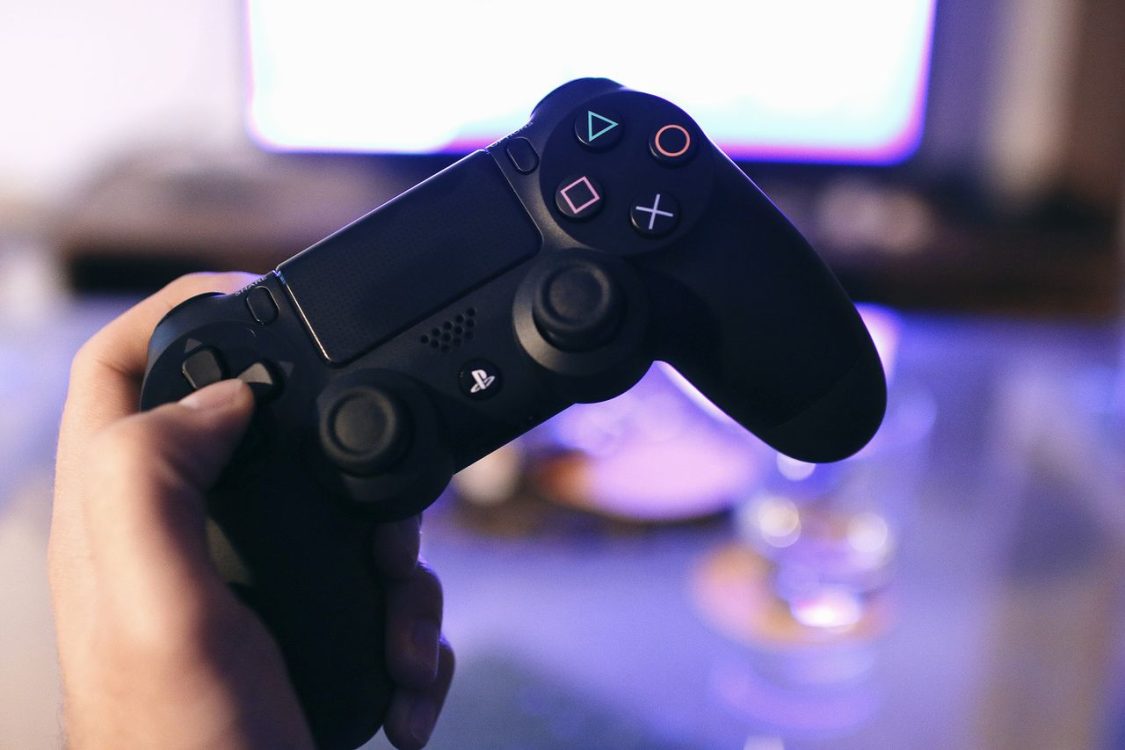
A faulty PlayStation controller can quickly affect your gaming experience. Whether you are dealing with unresponsive buttons, stick drift, charging problems, or connectivity issues, even a relatively small fault can make your controller difficult to use. When problems develop, many gamers face the same question: should they attempt a repair themselves or seek professional assistance?
DIY repairs can seem appealing, particularly when replacement controllers are expensive. Online tutorials, repair videos, and readily available replacement components make it easier than ever to explore basic troubleshooting. However, not every controller problem has a straightforward solution, and attempting an unsuitable repair could create additional damage.
Choosing between professional PlayStation controller repairs and DIY fixes depends on the nature of the fault, your technical experience, and the condition of the controller. Understanding the advantages and limitations of both approaches can help you make a practical decision while protecting your gaming equipment.
Understanding Common PlayStation Controller Problems
PlayStation controllers contain several electronic and mechanical components that work together to provide responsive gameplay. Over time, regular use, accidental drops, dust accumulation, and general wear can affect their performance.
Some problems are relatively simple, while others require specialist knowledge and diagnostic equipment.
Common controller issues include:
-
Stick drift: Analogue sticks register movement even when they are not being touched.
-
Unresponsive buttons: Individual buttons may stop responding consistently because of worn contacts or internal damage.
-
Charging difficulties: The controller may struggle to charge because of a damaged port, faulty battery, or electrical connection problem.
-
Connectivity issues: Bluetooth-related faults or internal component problems can interrupt communication with the console.
-
Trigger problems: L2 and R2 buttons may become difficult to press or fail to register correctly.
-
Physical damage: Cracked casing, loose components, or damage caused by accidental drops can affect usability.
Identifying the underlying cause is important before deciding how to approach a repair. Two controllers displaying similar symptoms may require completely different solutions.
The Advantages of Professional PlayStation Controller Repairs
Professional repair services offer an important advantage: technical experience. A qualified technician can inspect the controller, identify the source of the problem, and recommend an appropriate repair rather than relying on guesswork.
This is particularly useful when dealing with internal electronic faults or components that require careful handling.
For example, analogue stick drift might result from worn internal components rather than a simple software issue. Replacing or servicing the correct component requires an understanding of the controller’s internal design.
Professional technicians may also have access to specialist tools that are not commonly available to everyday users. These can help with diagnostics, component replacement, electrical testing, and quality checks.
Another advantage is the opportunity to address related problems during the same repair. A technician inspecting a controller for charging difficulties might also identify damaged connections or other signs of wear.
This can help prevent recurring issues and reduce the likelihood of paying for multiple unsuccessful repair attempts.
Why DIY Controller Repairs Appeal to Gamers
DIY repairs have become increasingly popular because online resources make technical information more accessible. Many gamers enjoy learning how their equipment works and prefer attempting simple solutions before paying for a repair service.
Cost is another major consideration.
If a controller has a minor issue, troubleshooting it at home may be less expensive than arranging a professional inspection. Basic external cleaning, checking console settings, and testing another charging cable are examples of relatively simple steps that do not require specialist equipment.
DIY troubleshooting also offers greater convenience. There is no need to arrange a repair appointment or wait for a technician to complete an assessment.
However, convenience does not necessarily mean that every repair is suitable for beginners. Understanding the difference between basic troubleshooting and internal component repair is essential.
The Risks of Attempting DIY Repairs
Although DIY solutions can work for certain problems, opening a PlayStation controller introduces additional risks.
Modern controllers contain delicate electronic components, small connectors, internal wiring, and compact circuit boards. Incorrect handling can damage these parts, potentially turning a manageable fault into a more complicated repair.
One common problem is misdiagnosing the original issue. Replacing a component without confirming that it is responsible for the fault can waste money and leave the controller with the same symptoms.
Other potential disadvantages include:
-
Accidental damage to internal connectors or circuit boards.
-
Incorrectly installed replacement components.
-
Additional expenses when an unsuccessful repair creates further problems.
-
Loss of access to applicable manufacturer or retailer warranty support.
-
Difficulty finding compatible replacement components.
-
Inconsistent results when the repair is completed without suitable testing.
There is also the question of repair quality. A controller might appear to work immediately after a DIY repair but develop further problems during regular use.
For users without electronics experience, internal repairs involving soldering or delicate electrical connections are generally better left to trained technicians.
Comparing Professional Repairs and DIY Solutions
Both approaches have advantages, but their suitability depends on the type of problem.
Professional repairs are generally more appropriate when a fault involves internal electronics, damaged charging connections, or components that require specialist replacement. DIY troubleshooting is more practical when the issue is external, uncomplicated, and does not require opening the controller.
The following factors can help clarify the differences.
Cost: DIY troubleshooting may involve little or no expense, particularly when the problem is related to settings or accessories. Professional repairs involve service charges, but they may prevent unnecessary spending on replacement components.
Technical expertise: Professional technicians have experience identifying faults and working with delicate electronics. DIY repairs depend heavily on the user’s knowledge and ability.
Convenience: Home troubleshooting can be completed immediately, while professional repairs may require an appointment or waiting period.
Repair reliability: A professional assessment can provide greater confidence that the underlying problem has been identified. DIY results depend on accurate diagnosis, compatible components, and correct installation.
Equipment: Professional workshops may have specialised tools and testing equipment that are difficult or expensive for individual users to obtain.
Ultimately, the cheapest initial option is not always the most economical long-term solution.
When Is DIY Troubleshooting Worth Trying?
Not every controller problem requires professional attention. Some basic checks can help identify whether the issue is related to the controller itself, the console, or an external accessory.
Before arranging a repair, consider these non-invasive troubleshooting steps:
-
Restart the PlayStation console and reconnect the controller.
-
Check whether the controller requires a firmware update.
-
Test another compatible charging cable.
-
Try connecting the controller using a different USB port.
-
Check whether the same problem occurs when using another game.
-
Inspect the exterior for visible dirt, damage, or loose components.
These checks can sometimes resolve minor problems without requiring internal repairs.
However, avoid forcing buttons, applying excessive pressure, or using liquids around electronic components. If the controller has been exposed to moisture or shows signs of electrical damage, stop using it and arrange a professional assessment.
If basic troubleshooting does not resolve the issue, further investigation may be necessary.
How to Choose a Reliable Controller Repair Service
Selecting the right repair provider is just as important as deciding whether to seek professional help. Not all repair services offer the same level of experience, diagnostic capabilities, or workmanship.
Start by looking for a technician who regularly works with PlayStation accessories. Familiarity with different controller generations can make a difference because internal designs and component requirements vary between models.
It is also worth asking about the diagnostic process. A reputable repair service should be able to explain what will be inspected, what the likely repair involves, and whether additional faults could affect the final cost.
Consider the following factors when comparing repair providers:
-
Relevant experience: Look for technicians familiar with DualShock and DualSense controllers.
-
Transparent pricing: Request an explanation of inspection fees, labour costs, and replacement components.
-
Repair warranties: Ask whether completed work is covered by a service guarantee.
-
Component quality: Check whether suitable replacement parts are used.
-
Customer feedback: Look for consistent reviews mentioning communication, turnaround times, and repair quality.
-
Clear communication: Choose a provider willing to explain the fault and available repair options.
A reliable technician should also be honest when a controller is too damaged or uneconomical to repair.
Is Repairing a Controller Better Than Replacing It?
Repairing an existing controller can be a sensible alternative to purchasing a replacement, particularly when the fault affects only one component.
For example, a controller experiencing a charging problem may not need to be replaced if the underlying issue can be resolved through an appropriate component repair. Similarly, certain button and analogue stick faults can often be addressed without replacing the entire device.
However, repair is not automatically the best financial decision.
The controller’s age, overall condition, repair cost, and availability of replacement parts should all be considered. Extensive internal damage may make replacement more practical, especially when the estimated repair cost approaches the price of another controller.
A professional assessment can help establish whether repairing the existing device offers reasonable value.
It is also worth considering the environmental benefits. Repairing functional electronics instead of immediately discarding them can reduce electronic waste and extend the useful life of gaming equipment.
Making the Right Decision for Your PlayStation Controller
Choosing between DIY troubleshooting and professional assistance comes down to understanding the problem and recognising your technical limitations.
Simple external checks are a reasonable starting point. They can resolve minor connectivity or accessory-related problems without unnecessary expense. However, persistent stick drift, damaged charging ports, internal electrical faults, and physical damage often require more specialised attention.
Professional PlayStation controller repairs can provide a more reliable approach when the problem involves delicate components or requires accurate fault diagnosis. Although professional assistance comes with an upfront cost, it can help prevent further damage and avoid spending money on unsuitable replacement parts.
Before attempting an internal repair, consider the potential risks and the value of the controller. When the problem is beyond basic troubleshooting, an experienced technician can help determine the most appropriate solution.
With the right approach, many controller problems can be addressed without immediately purchasing a replacement, allowing gamers to get more value from their existing equipment.