
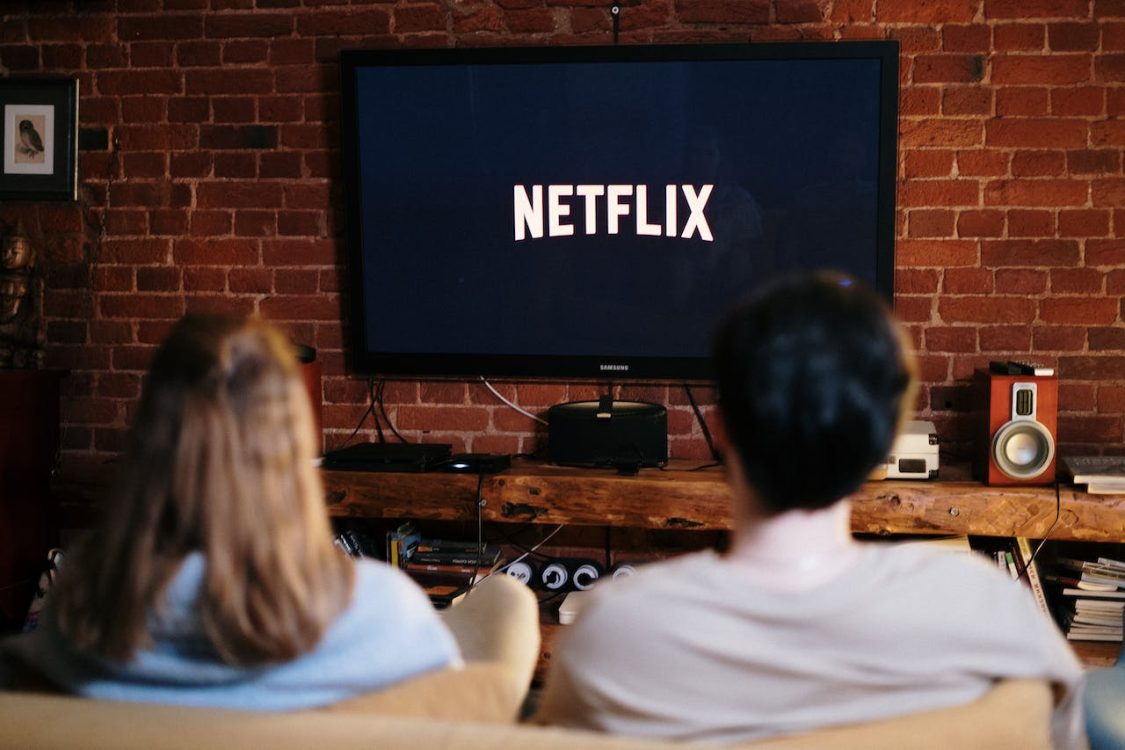
Modern television has changed dramatically over the past few decades. Instead of relying solely on traditional broadcast signals or scheduled programming, viewers can now access live channels, on-demand shows, movies and other media through internet-connected devices. Behind this shift is a combination of networking, video compression, cloud infrastructure and smart-device technology.
Understanding the technology behind television streaming can make it easier to choose suitable equipment, troubleshoot common problems and understand why streaming quality can vary. The experience on screen may appear simple, but a considerable amount of technology is working in the background to deliver video from a service provider to a television.
For anyone exploring digital TV technology, the key is to understand how the different components work together. Internet connectivity, content delivery systems, codecs, streaming protocols and compatible hardware all influence the final viewing experience. Once these building blocks are understood, modern television streaming becomes much easier to explain.
What Is Television Streaming?
Television streaming is the delivery of video and audio content over an internet connection rather than through a traditional broadcast-only system.
With conventional terrestrial television, a broadcaster transmits a signal that compatible antennas and receivers can capture. Satellite television uses satellites and receiving equipment, while cable television traditionally delivers programming through a physical cable network.
Streaming takes a different approach. Video content is converted into digital data and delivered across an internet connection. A compatible television, streaming device, computer or mobile device then receives that data and processes it into the picture and sound viewers see.
Streaming can support several types of content, including:
- Live television channels
- On-demand movies and programmes
- Catch-up television
- Recorded or cloud-based content
- Short-form and user-generated video
The technology is flexible because the same internet infrastructure can support many different forms of media.
How Video Becomes Digital Content
Before television content can be streamed, it needs to exist in a suitable digital format.
Video captured by a camera contains an enormous amount of information. If every frame were transmitted without compression, the amount of data required would be impractical for most consumer internet connections.
Video compression solves this problem.
A codec, which is short for coder-decoder, is used to compress video so that it requires less data for transmission. The receiving device then decodes the compressed information so that the original content can be displayed.
Common video codecs include H.264, H.265/HEVC and newer standards such as AV1. Different services and devices may support different codecs, so compatibility matters.
Compression involves a balance. More efficient compression can reduce bandwidth requirements, but encoding settings can influence image quality and processing requirements.
Audio is also compressed using suitable audio codecs. The video and audio streams are then packaged into formats that can be transmitted efficiently over networks.
The Role of Internet Bandwidth
Internet bandwidth is one of the most important factors in streaming performance.
Bandwidth refers broadly to the amount of data that a connection can transfer over a period of time. Higher-quality video generally requires more data than lower-resolution content.
A standard-definition stream may require relatively little bandwidth, while high-definition and ultra-high-definition video can require considerably more.
However, having a fast internet package does not automatically guarantee perfect streaming. The connection between the viewer and the streaming service can be affected by network congestion, Wi-Fi performance, routing and other technical factors.
A stable connection is particularly important for live television. If the connection repeatedly slows down or becomes unstable, the playback device may not receive data quickly enough to maintain continuous playback.
What Streaming Protocols Do
Streaming protocols determine how media data is delivered from a server to a viewer.
Rather than necessarily sending one enormous video file, streaming systems divide media into smaller segments. The playback device requests these segments as needed and places them together during playback.
Two widely used technologies are HTTP Live Streaming, commonly known as HLS, and MPEG-DASH.
Both can divide video into segments and allow the player to select an appropriate quality level. This makes it possible for streaming systems to adapt to changing network conditions.
For example, if a viewer’s connection becomes slower, the player may temporarily request lower-quality segments. If network conditions improve, it can move back toward a higher-quality stream.
This process is known as adaptive bitrate streaming.
Understanding Adaptive Bitrate Streaming
Adaptive bitrate technology is designed to make streaming more resilient.
Instead of offering only one fixed-quality version of a video, a service can prepare several versions at different bitrates and resolutions. The playback device assesses available network conditions and selects an appropriate version.
The basic principle is straightforward:
Better network conditions can support higher-quality video, while weaker conditions may require lower-quality video.
This helps prevent interruptions because maintaining continuous playback is often more useful than attempting to display a quality level that the connection cannot reliably support.
Adaptive streaming can also account for device capabilities. A large television with a high-resolution display may benefit from a higher-quality stream than a small mobile screen.
How Content Delivery Networks Improve Streaming
Streaming services may rely on content delivery networks, or CDNs, to distribute video efficiently.
A CDN consists of servers positioned in different geographic locations. Instead of every viewer retrieving content from one central server, content can be delivered from infrastructure that is geographically and network-wise better positioned to serve the viewer.
This can reduce latency and improve the efficiency of content delivery.
CDNs are particularly important for popular programmes and live events, where very large numbers of people may attempt to access the same content at the same time.
The technology can also help services scale. Rather than relying on a single server to handle every request, traffic can be distributed across multiple locations and systems.
What Happens Inside a Smart TV?
A smart television is effectively a specialised computer designed for media consumption.
Inside the television are processors, memory, networking components, graphics hardware and software. These components work together to receive and decode streamed content.
When a viewer selects a programme, the television’s software communicates with the relevant service. The device receives data over Wi-Fi or Ethernet, processes the video and audio, and sends the resulting signals to the display and speakers.
Modern televisions may also support hardware-accelerated decoding. This allows dedicated components to handle demanding video formats more efficiently than relying entirely on the main processor.
The operating system plays an important role as well. It manages applications, network connections, user interfaces, updates and compatibility with different streaming services.
Wi-Fi Versus Ethernet for Streaming
The way a television connects to the internet can influence reliability.
Wi-Fi is convenient because it eliminates the need for a physical network cable. However, wireless performance can be affected by distance from the router, walls, interference, network congestion and the capabilities of the television’s Wi-Fi hardware.
Ethernet provides a wired connection between the television or streaming device and the network. It can offer greater consistency where a suitable cable connection is available.
For a television positioned close to a router, either approach may work well. For a device experiencing repeated buffering or connection drops, examining the network connection is a sensible troubleshooting step.
Other factors worth checking include:
- Router placement and condition
- Wi-Fi signal strength
- Network congestion
- Firmware and software updates
- The capabilities of the television or streaming device
- Whether other devices are heavily using the connection
The Importance of Streaming Devices
Not every television has the same processing power, software support or application compatibility.
External streaming devices can provide another way to access online television services. These devices connect to the television and handle much of the streaming workload themselves.
A streaming device can sometimes provide a more responsive interface, broader application compatibility or support for video formats that an older television does not handle well.
When choosing a device, compatibility should be considered carefully. The television’s available ports, display resolution, audio capabilities and supported applications can all affect which device is appropriate.
It is also important to keep software updated. Updates can improve compatibility, address security issues and introduce support for newer technologies.
Resolution, Frame Rate and Picture Quality
Resolution describes the number of pixels used to create an image. Higher-resolution formats can provide more visual detail when the source material, display and viewing conditions support it.
However, resolution is only one part of picture quality.
Bitrate, compression, colour processing, frame rate and the quality of the original content also matter. A highly compressed high-resolution stream may not necessarily look better than a well-produced lower-resolution stream.
Frame rate describes how many individual frames are displayed over a period of time. Higher frame rates can make motion appear smoother, which can be particularly noticeable during sports and other fast-moving content.
The ideal combination depends on the content and the capabilities of the entire system.
Why Streaming Sometimes Buffers
Buffering occurs when the playback device does not receive enough usable media data quickly enough to continue playing without interruption.
Several causes are possible.
The viewer’s internet connection may be unstable. The Wi-Fi signal may be weak. The streaming service could be experiencing unusually high demand. Network equipment might be malfunctioning, or the playback device may have software or hardware limitations.
Buffering does not automatically mean that an internet package is too slow. A connection can have substantial advertised speed while still experiencing temporary instability.
Troubleshooting should therefore consider the entire path between the content provider and the screen rather than focusing on one component.
Security and Software Updates Matter
Streaming technology also involves security.
Televisions and streaming devices connect to networks and often run dedicated applications. Keeping their operating systems and applications updated can help address known security vulnerabilities and compatibility problems.
Consumers should also consider where their streaming services originate. Legitimate providers should clearly communicate important information about their services, pricing, terms and content rights.
Suspicious applications, unofficial software and services that request unnecessary permissions can introduce avoidable security and privacy risks.
Using strong account credentials, keeping devices updated and downloading applications through trusted sources are sensible precautions.
How the Technology Continues to Evolve
Television streaming is not a single technology. It is an ecosystem made up of many interconnected systems.
Improved codecs can reduce the amount of data required for high-quality video. Better processors can decode demanding formats more efficiently. Faster networks allow larger media streams to be delivered with less delay, while cloud infrastructure enables services to support large audiences.
Display technology is evolving at the same time. Modern televisions increasingly support higher resolutions, improved dynamic range and more sophisticated picture processing.
As these technologies develop, viewers may notice better quality without necessarily seeing the complex infrastructure responsible for it.
That is one of the defining characteristics of modern television. The experience has become simple on the surface while the technology underneath has become considerably more sophisticated.
Understanding the fundamentals helps explain why streaming quality depends on more than just the television itself. The content source, encoding process, internet connection, network infrastructure, streaming platform, playback software and display all contribute to what ultimately appears on screen.
For consumers, this means that a reliable streaming setup is best approached as an entire system. Choosing compatible equipment, maintaining a stable internet connection, keeping software updated and using reputable streaming services can all contribute to a smoother viewing experience as television continues moving toward increasingly connected and internet-based delivery.